
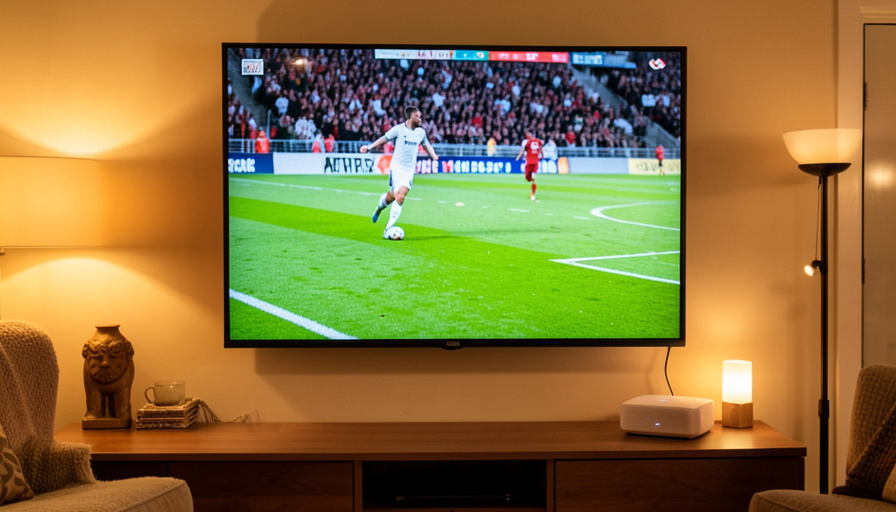
WiFi 6E vs Ethernet vs Mesh for Live Sports Streaming
There is a special kind of pain in watching your 4K stream freeze, pixelate, and drop to potato quality at the exact moment of a goal or a game-winning shot. Live sports is the most demanding thing most home networks ever try to do, and it exposes the weakest link mercilessly. Wired Ethernet, WiFi 6E, and a mesh system all handle it differently, and knowing how each behaves, and where each fails, is the difference between a smooth match and a stuttering one. Here is the honest comparison, plus a checklist to stop the drops.
This is a practical guide rather than a lab report: the point is to help you pick the right connection for your setup and fix the buffering you are getting now. Before the head-to-head, it helps to understand why live sports specifically is so hard on a network, because that explains why one connection sails through and another collapses.
The Short Version
For drop-free live sports, wired Ethernet to your TV or streaming box is the gold standard, since it is stable, low-latency, and immune to the interference that plagues wireless. WiFi 6E is excellent when your device supports it and sits within clear range of the router, thanks to its clean, uncongested 6 GHz band, but its range is shorter so it fades through walls. Mesh systems solve coverage but add a catch: the link between mesh nodes, the backhaul, is the usual weak point, and a wireless backhaul is where live streams stutter. Wiring your mesh nodes together fixes most of it. If you can only do one thing, run an Ethernet cable to the device you watch sports on.
Why live sports is the hardest thing to stream
Two things make live sports uniquely punishing. First, the bitrate: a 4K stream needs a lot of steady bandwidth, with services generally recommending around 25 Mbps for 4K, and fast-moving sports are the hardest content to compress, so those feeds push even more data than a slow drama at the same resolution. Netflix and others publish their speed recommendations for a reason. Second, and more important, it is live. An on-demand show can quietly buffer minutes ahead, so a brief network dip goes unnoticed, but a live feed has only a tiny buffer, so any hiccup shows up immediately as a freeze, a rebuffer, or a sudden drop to blurry quality. That combination means live sports does not tolerate the small, invisible interruptions that other streaming shrugs off, which is exactly why your connection type matters so much.
Ethernet: the drop-free gold standard
A wired Ethernet connection to your TV, console, or streaming box is the most reliable option, full stop. It delivers steady throughput with very low latency and none of the interference, congestion, or signal fade that affect wireless, so the tiny live buffer stays fed and the picture holds. If you can run a cable from your router to your main sports-watching device, do it, and if a long cable across the room is impractical, a MoCA adapter over your coax or a powerline adapter can carry a wired-like connection through existing wiring. For the device where drops hurt most, wired is the answer that ends the argument.
WiFi 6E: fast and clean, within range
WiFi 6E is the strongest wireless option because it adds the 6 GHz band, which is free of the older devices that clog the 2.4 and 5 GHz bands, so it offers wide, uncongested channels with high throughput and low latency. When your streaming device supports WiFi 6E and sits within clear line of sight of the router, it can rival a wired connection for a smooth stream. The catch is range: the 6 GHz band does not travel through walls and floors as well as lower bands, so the further and more obstructed your device is, the more the signal weakens and drops creep back in. WiFi 6E shines in the same room as the router and struggles across the house.
Mesh: coverage, with a backhaul catch
A mesh system spreads WiFi across a whole home, which is great for coverage but introduces the part that causes most live-sports drops: the backhaul, the link between the main router and its satellite nodes. If that backhaul is wireless and shares the airwaves with your devices, it can get congested, and a stream routed through a satellite node stutters when the backhaul chokes. Roaming between nodes can also cause a brief drop as your device hands off. The fix is a wired backhaul, connecting your mesh nodes with Ethernet, which gives each node a solid pipe and eliminates most of the instability. Place a node near your TV, wire the TV to that node, and a mesh setup can stream sports cleanly.
The fix-it checklist to stop the drops
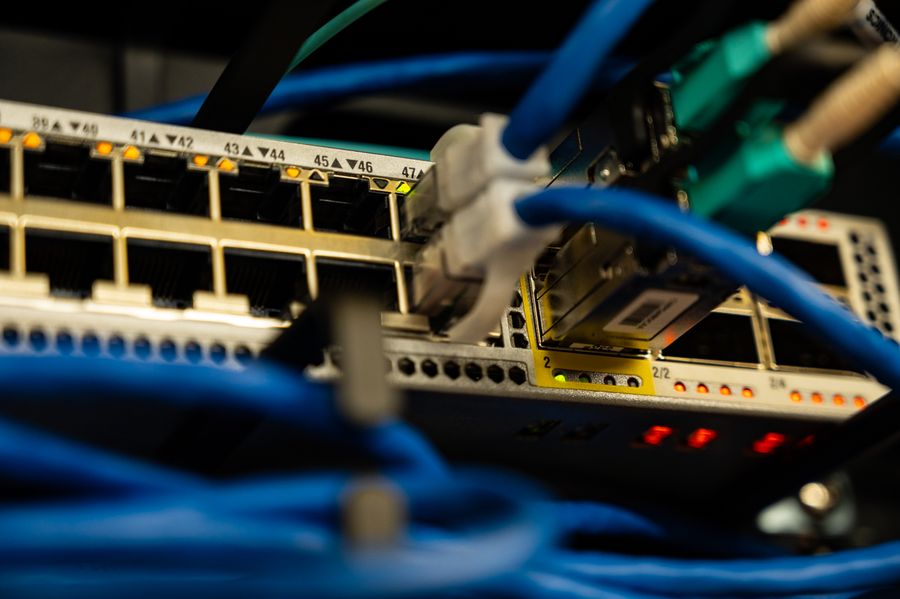
If your live sports keeps buffering, work through these in order. Wire your main streaming device with Ethernet if you possibly can, using a MoCA or powerline adapter if a direct cable is impractical, because this alone fixes most cases. If you stay wireless, use the 6 GHz or 5 GHz band rather than 2.4 GHz, and get the device closer to or in line of sight of the router. For a mesh system, switch the nodes to a wired backhaul and connect your TV to the nearest node. Turn on QoS in your router to prioritize the streaming device during the game, and cut congestion by pausing big downloads and cloud backups while you watch. Then clear the streaming app’s cache or restart the app and device, keep firmware and apps updated, and confirm your plan actually delivers enough headroom, ideally well above the 25 Mbps a 4K feed wants, to that device. Finally, do a quick test: plug in a cable during a match, and if the stutter vanishes, you have found your culprit in the wireless link.
Main Takeaways
- Live 4K sports is uniquely demanding because of its high bitrate and its tiny live buffer, so any network hiccup shows instantly.
- Wired Ethernet is the most reliable connection for drop-free streaming and the single best fix for buffering.
- WiFi 6E rivals wired within clear range of the router, but its 6 GHz signal fades quickly through walls.
- Mesh solves coverage, but a wireless backhaul is the usual cause of drops; wiring the nodes together fixes most of it.
- Enable QoS, reduce congestion, keep enough speed headroom, and test wired versus wireless to pinpoint the problem.
For more streaming and tech tips, browse the DelightfulBlogs Sports section, or follow our Tech desk.
Frequently Asked Questions
What is the best connection for streaming live sports?
A wired Ethernet connection to your TV or streaming box, because it is stable, low-latency, and free of the interference and congestion that affect wireless. If wiring is impractical, a MoCA or powerline adapter is the next best thing, and WiFi 6E in the same room as the router is the strongest wireless option.
Why does live sports buffer when regular shows don’t?
Because live streams have only a tiny buffer, while on-demand shows can load minutes ahead and hide brief network dips. Live sports also runs at a high bitrate, and fast motion is hard to compress, so it demands steady bandwidth. Any small interruption that a normal show would absorb shows up instantly as a freeze or a quality drop on a live feed.
Is WiFi 6E good enough for 4K sports?
Yes, when your device supports it and is within clear range of the router, because the uncongested 6 GHz band offers high, steady throughput. The limitation is range: 6 GHz does not pass through walls well, so across the house the signal weakens and drops return. Near the router it can match a wired connection for a smooth 4K stream.
Why does my mesh WiFi drop during games?
Usually the backhaul, the wireless link between your mesh nodes, gets congested, so a stream routed through a satellite node stutters. Handoffs as your device roams between nodes can also cause brief drops. Connecting your mesh nodes with Ethernet, a wired backhaul, gives each node a reliable pipe and removes most of the instability.
How much internet speed do I need for 4K live sports?
Plan for comfortable headroom above the roughly 25 Mbps that services recommend for 4K, delivered reliably to the streaming device, since other devices in the home share your connection. Raw speed is only part of it, though; a stable, low-interference connection like Ethernet or close-range WiFi 6E matters as much as the number on your plan.
The Bottom Line
Live sports will find the weak spot in your home network, so the goal is to remove it before the big match rather than during it. Wired Ethernet to your main screen is the surest fix, WiFi 6E is excellent within range, and a mesh system works well once you wire its nodes together. Layer on QoS, less congestion, and enough speed headroom, and the picture stays sharp through the moments that matter. Sort the connection out once, and the only drops you will see are the ones on the field.