
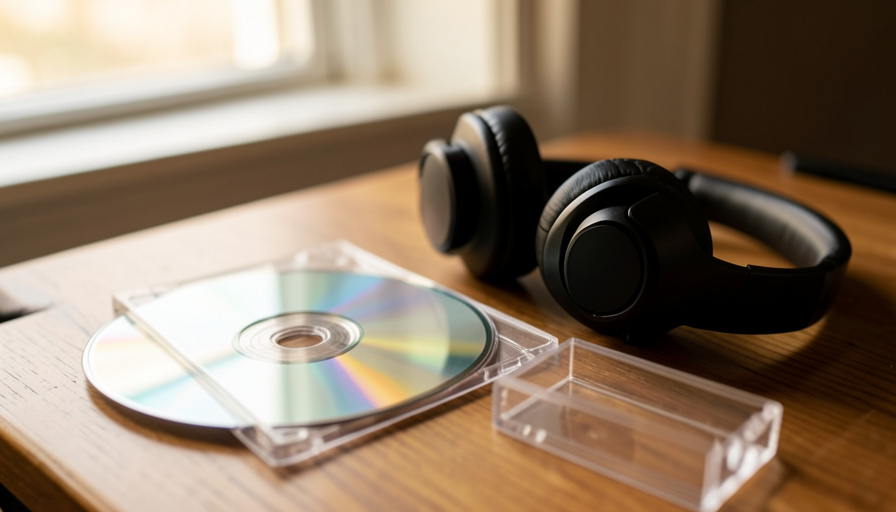
Copy-Protected CD Won’t Play? What You Can Do
Your old album plays fine in the car but your laptop flatly refuses it. If it is a copy-protected CD from the 2000s, that is by design, and you still have real options.
It is a genuinely annoying moment: a disc you paid for, sitting in your hand, that your computer treats like a coaster. Before you assume the CD is dead or your drive is broken, it helps to know that a certain batch of early-2000s albums was built to behave exactly this way. Once you recognize one, getting your music back is usually straightforward.
Bottom Line First
If a CD from the early to mid 2000s will not play or rip on your computer, it is probably a copy-protected disc from that era, engineered to confuse computers while still working in ordinary CD players. You have real choices. To just listen, a standalone CD player usually plays it fine. To get a digital copy, you can try a better optical drive, use error-correcting ripping software, or simply buy or stream the album digitally. The old protection software is long abandoned and unsupported, so you are working around a disc’s built-in quirks, not fighting anything live.
Table of Contents
How to Tell If You Have One
A few signs give it away. The disc is usually a release from roughly 2002 to 2006, it plays fine in a normal CD player or car stereo but stalls, errors, or refuses to rip on a computer, and the case or label may carry wording like “copy controlled” or a note that it will not play on a PC or Mac. Many of these discs also lack the official “Compact Disc Digital Audio” logo, because they broke the standard on purpose, a design examined in early research on copy-protected CDs.
If You Just Want to Listen
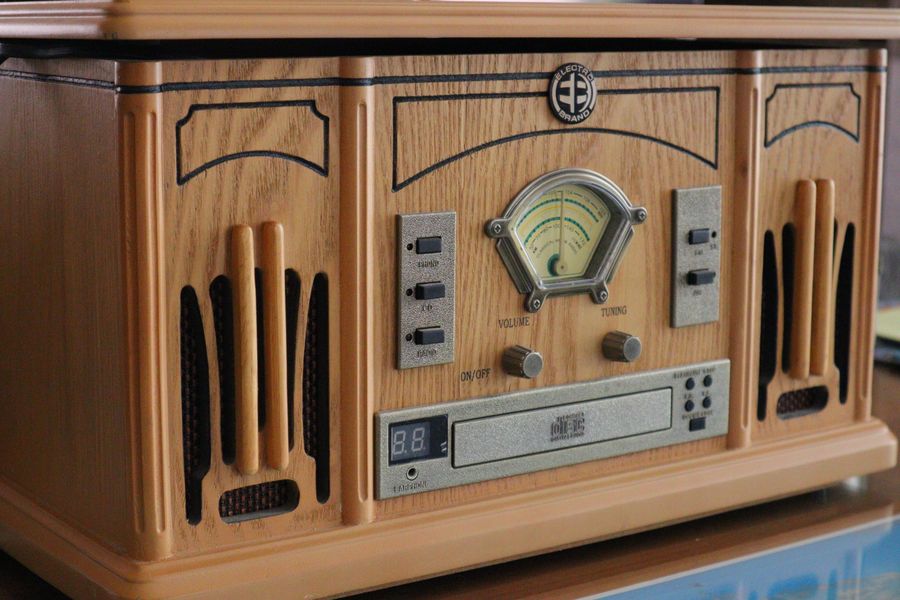
The simplest fix is the one people forget. The copy protection was aimed at computers, not audio players, so a standalone CD player, a car stereo, or an older hi-fi deck will usually play the disc without complaint. If your only goal is to hear the album, skip the computer entirely and put it in a regular player.
If You Want a Digital Copy
Getting the music onto your devices takes a bit more effort, and there are a few routes. A different optical drive often helps, since older internal drives tend to read imperfect discs more reliably than cheap external ones, and swapping USB ports or using a powered hub can steady a flaky external drive. Error-correcting ripping software, the kind built to handle scratched or damaged discs, can also grind through the deliberate errors these CDs contain.
Honestly, though, the cleanest fix in 2026 is often to skip the disc. Since you already own the album, buying it as a digital download or playing it on a streaming service gives you a perfect copy with none of the hassle, and it is usually cheaper than the time you would spend fighting the drive.
Are These Discs Still Supported?
Not really, and that is actually clarifying. Labels largely abandoned audio CD copy protection by the late 2000s after it generated bad press and did little to stop determined copying, so there is no active support line or patch to chase. For collectors, these discs are a quirky footnote, technically not standard CDs, and worth noting for condition and label variants, as enthusiasts discuss in communities tracking whether copy-protected CDs are still made. If a disc is simply unplayable and you want the music, a digital purchase is the practical replacement.
This article is general information, not legal advice. Copying media you own for personal use is treated differently in different countries, so check the rules where you live if you are unsure.
What To Know
- A disc from about 2002 to 2006 that plays in a CD player but not a computer is likely copy-protected.
- Look for “copy controlled” wording or a missing “Compact Disc Digital Audio” logo.
- To listen, use a standalone CD player or car stereo, which the protection never targeted.
- To rip, try a better optical drive or error-correcting software, or just buy or stream the album.
- The technology is abandoned and unsupported, so you are working around the disc, not live software.
For more consumer-tech help, browse the DelightfulBlogs Tech section, or read related coverage in our Business section.
Frequently Asked Questions
How do I know if my CD is copy-protected?
It usually dates from the early-to-mid 2000s, plays in a normal CD player but fails on a computer, and may say “copy controlled” or note it will not play on a PC or Mac. Many also lack the official audio CD logo.
Why does it play in my car but not my laptop?
The protection was designed to work in ordinary audio players while confusing computer drives, which read discs more precisely and hit the deliberate errors the disc contains.
How can I rip a copy-protected CD I own?
Try a different or better optical drive, steady an external drive with another port or a powered hub, or use error-correcting ripping software. The simplest route is often to buy or stream the album digitally instead.
Are copy-protected CDs still made?
Generally no. Labels abandoned the approach by the late 2000s after backlash and poor results. Most affected discs are old releases, and newer CDs typically do not use it.
Is it legal to copy a CD I own?
Copying media you own for personal use is handled differently depending on the country, so it depends on where you live. This is general information rather than legal advice, so check your local rules if you are unsure.
Practical Takeaway
A copy-protected CD is less a broken disc than a stubborn one, a relic of a brief era when the music industry tried to out-engineer its own customers. The fix is refreshingly low-drama: put it in a real CD player to hear it, reach for a better drive or a digital copy to keep it, and do not waste an evening wrestling a piece of dead technology. The music is still yours. These days, getting a clean copy of it has never been easier.